Choose a map and a place
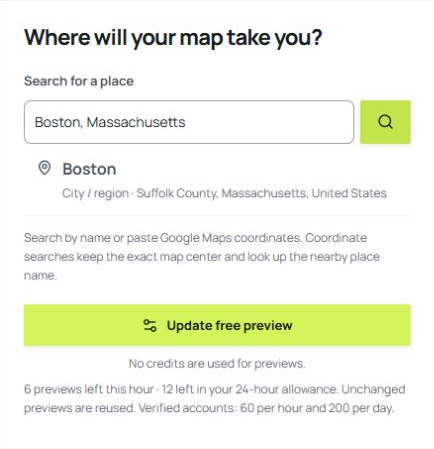
Open the studio for your project. Search a city, lake or landscape, or paste coordinates. No account or payment is needed.
 Contour FoundryDIGITAL MAP FILES
FROM A PLACE TO YOUR PROJECT
Start with a free preview of your own location. Create an account when you want finished files. No purchase is required to try any studio.
Open the studio for your project. Search a city, lake or landscape, or paste coordinates. No account or payment is needed.
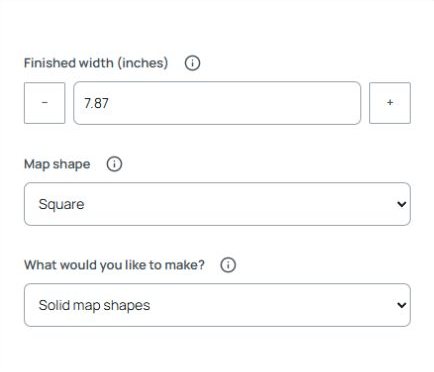
Generate a preview of your location. Then adjust the colors, features and lettering until the map fits your project.
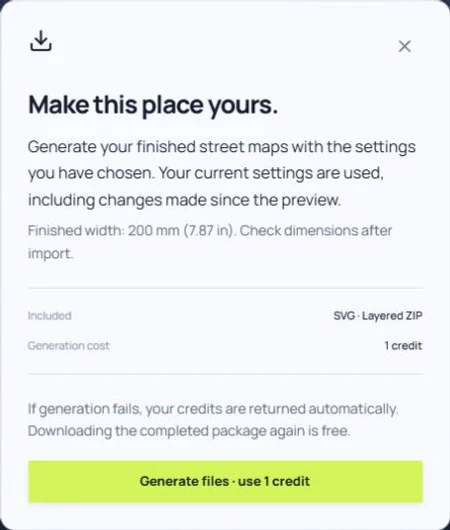
When you are ready, create an account and verify your email for 3 free credits. Confirm the package cost, generate your files and download the ZIP. Buy more credits only when you need them.
| Studio | Finished files | Cost per package | Try it |
|---|---|---|---|
| Street maps | SVG · Layered ZIP | 1 credit | Free preview → |
| Map posters | PNG · JPG · Print sizes | 2 credits | Free preview → |
| Lake posters | PNG · JPG · Print sizes | 2 credits | Free preview → |
| Terrain relief | SVG · Heightmap · ZIP | 3 credits | Free preview → |
| 3D city maps | STL · OBJ · SVG | 5 credits | Free preview → |
New accounts receive 3 free credits after email verification. That covers up to three street-map packages, one poster or lake-poster package, or one terrain package. A custom city model uses 5 credits. See all costs and pricing →
Download a sample without an account. Inspect the layers, print images or model before starting your own design.
Map detail depends on source coverage. Review your preview and intended size. Laser and 3D files need preparation in your own software, including scale, operations and machine settings.
Digital files only. Printing, framing, materials and machines are arranged separately.
Check spam and the email address you entered. Verification links last 24 hours. Sign in to resend a link, or email [email protected] for help.
A failed finished-file generation returns its reserved credits automatically. For a defective file or payment issue, contact support with the generation reference. Refunds follow the Terms and applicable consumer rights.
The Terms permit commercial finished products from legitimately purchased outputs, subject to data, font and other third-party licenses. Keep required attribution.
Street, poster and city details depend on OpenStreetMap coverage. Terrain uses AWS Terrain Tiles. Coverage and feature completeness vary; inspect your exact location in the free preview.
Guest previews expire after 24 hours. Finished account packages currently have no scheduled deletion date, but are not guaranteed permanent storage. Download your ZIP promptly. Browser designs are lost if browser data is cleared and do not automatically transfer to another device.
Use an up-to-date Chrome, Edge, Firefox or Safari with JavaScript and necessary site storage enabled. Desktop is easier for detailed editing; the controls also adapt to phone screens.
No account or card needed for a preview.
Try free preview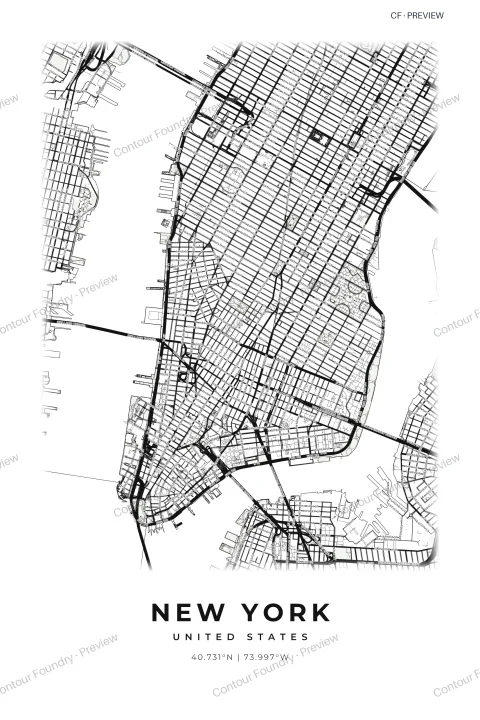 Map posters sample ↓
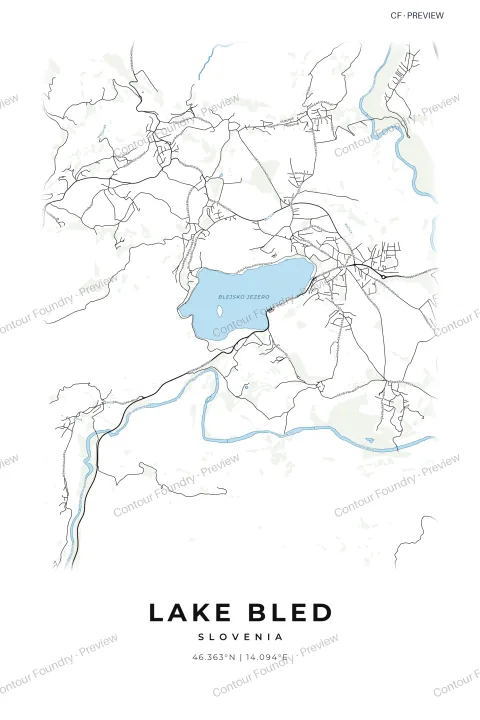 Lake posters sample ↓
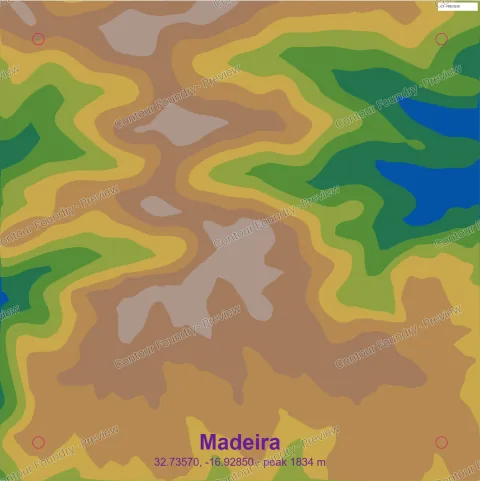 Terrain relief sample ↓
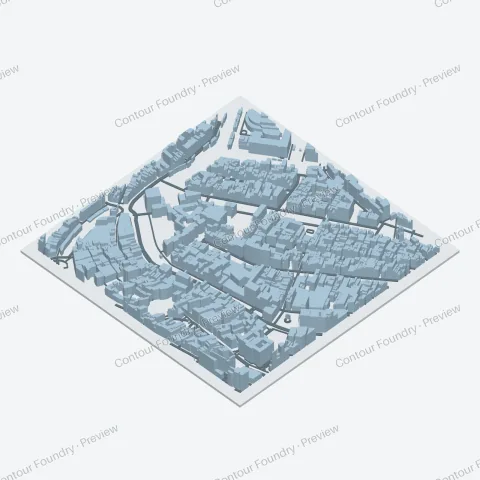 3D city maps sample ↓